- Learn about features of your mobile phone that can help solve your problem
- Differentiate between a mobile app and a web app
- Learn how people solve problems using Artificial Intelligence
- Be able to recognize examples of AI around you
For your Technovation Girls project, you will create a technology solution, specifically an application that can run on a mobile device. Let’s explore how you can take advantage of the mobile device features to make the best solution possible.
FEATURES OF A MOBILE DEVICE
Mobile apps are programs that run on mobile phones. Mobile apps can take advantage of all the various sensors on phones that allow them to sense external information like location and sound.
Check out some mobile device features with these flip boxes!
Camera, speaker, microphone
GPS
Phone calls, text messages, contacts
Web Connectivity
Storage
Acceleromater, Gyroscope
MOBILE APPS VS WEB APPS
You may have heard the term web app, which is different than a mobile app. For Technovation Girls, either type of app is acceptable.
You can create a mobile app, web app, or progressive web app for your Technovation Girls project. However, it is helpful that you understand the differences and build the most suitable type for your solution.
What are the differences?
Mobile App
- a program that runs natively on the phone
- downloaded and installed on the device
- can access the phone’s features, such as GPS and camera
- platform-specific (iOS or Android)
- coded with particular languages to match the operating system
Web App
- looks a lot like a mobile app
- runs in an internet browser
- not native to a particular device (iOS or Android)
- is generally coded with HTML, CSS, Javascript and Python
- cannot run when offline
Progressive Web App
- special type of web app that is a hybrid between a mobile app and web app
- runs in a browser
- can also be installed on the mobile device like a regular mobile app
- can run even when user is offline
If you are coding with App Inventor or Thunkable, you will be making a mobile app. You can test and run your mobile apps on both iOS and Android platforms.
Mentor Tip
Best practices: Use practical examples that demonstrate how technology can make life easier. For example, “Think about how using a GPS helps you find the quickest route to your destination. This is a great example of technology solving a common problem.” Relating to everyday experiences helps students see the relevance of technology.
These videos will provide a clear understanding of how technology can be used to solve real-life problems and some of the issues that come with technology, making the concept more relevant and engaging.
Guiding Questions to ask students:
Can you think of a problem you face regularly that technology helps you solve? (e.g., using a calculator for math homework, or a search engine to find information)
Why is it important to understand how technology works when solving problems?
What are some technologies you use every day that you think are important?
Mentor tips are provided by support from AmeriCorps.
WHAT ABOUT ARTIFICIAL INTELLIGENCE?
Artificial intelligence is a powerful technology that can add to your app solution. Although you are not required to use AI in your project, you are encouraged to learn about it, and how you might incorporate it into your project. AI is not appropriate for all solutions, but can be a helpful addition in many cases.
But, what is Artificial Intelligence? To define it, let’s break it down into two words.
Artificial
- Not real
- Made by people
- A copy of something real
Intelligence
- Using your brain to learn, solve problems, and speak or write
So, one definition could be that AI is something made by people to emulate the human brain by solving problems.
AI can do 4 main things:
- Understand
- Learn
- Use models to make decisions
- Interact with humans
Do these 4 criteria sound like things that humans are capable of?
You can think of AI as something that tries to work or think like a human.
SOME EXAMPLES


AI is used to solve all sorts of problems!
Mentor Tip
Best practices: Think about how voice assistants like Siri or Alexa can answer your questions or play your favorite song. These are examples of artificial intelligence at work. They are programmed with lots of data and connected to the internet to be able to complete web searches for you. That technology has been paired with hardware to make it usable away from a computer and perform other functions, such as playing sound.
As teams begin to think about how they approach solving their selected problem, it’s important for this program to have them think about where the technology comes into play in a meaningful way. Encourage the team to look at a variety of ways that mobile apps and web apps have been used to help them generate ideas of how they could build their project.
Use the videos below to expand your understanding of the use of AI in daily tasks and share it with your teams.
Guiding Questions to ask students:
How do you think AI can help solve problems in different fields like healthcare or transportation?
Can you name some examples of artificial intelligence you use or see every day or have heard of? (e.g., voice assistants, recommendation systems on YouTube or Netflix)
What are some concerns or challenges associated with using AI?
Mentor tips are provided by support from AmeriCorps.
Watch these videos to see different advancements made possible with Artificial Intelligence.
QUIZ YOURSELF
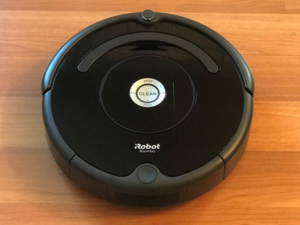
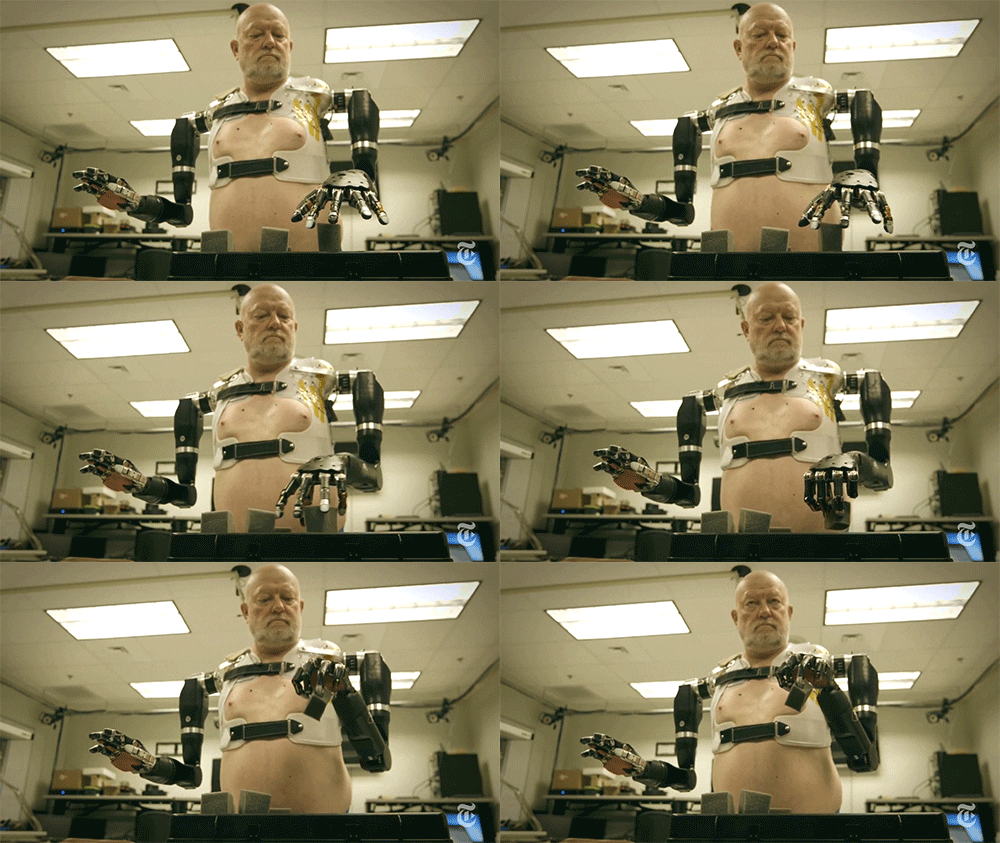
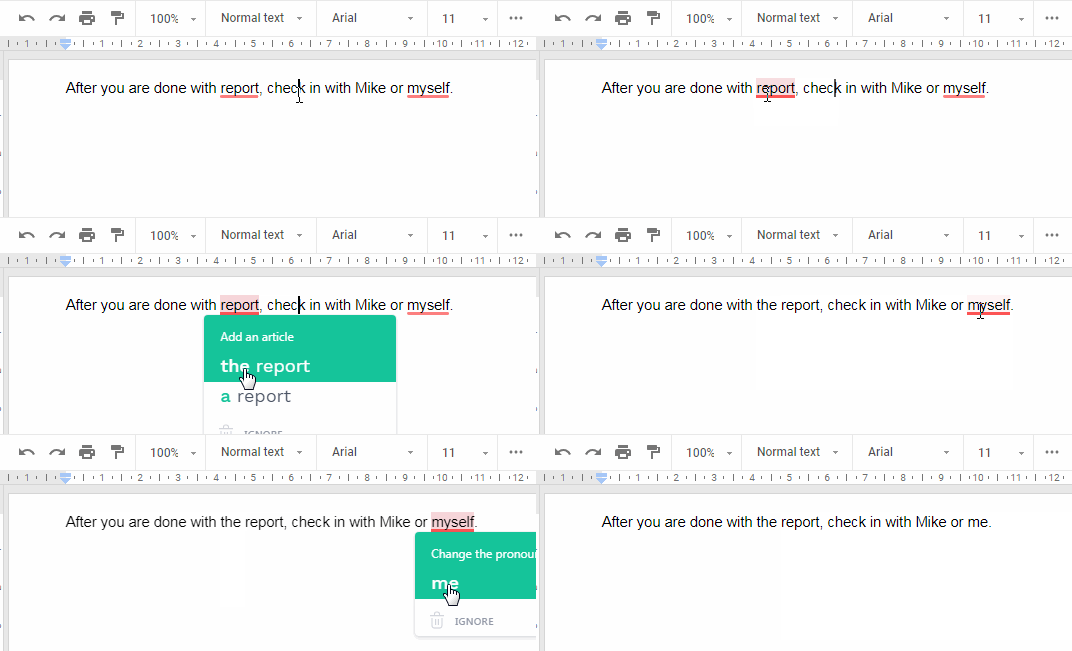
Here is a little quiz to check whether you can identify whether a technology is AI or not. User the 4 criteria to help you decide. (understand, learn, use models, interact with humans) For each of the four pairs below, click the button under the technology you think uses AI.
Which of the two technologies is AI? Click on the AI? button below the picture of the technology you think is AI.
WHAT ABOUT ETHICS?
When we hear the word “ethics,” it might sound a bit formal or complicated, but it’s really about asking questions.
It’s about thinking: Is this fair? Who might this help, and who might it hurt? Just as we think about the consequences of our actions, we need to think about the consequences of the technology we create. It’s about making choices that are fair, respectful, and kind. Ethics is a way of thinking, a philosophical attitude, that helps us build a better world for everyone.
How can you make sure your project has an ethical approach?
Remember that apps and technological tools, AI included, should not replace human connection. Your app should always respect the value and worth of every person.
Does your app treat everyone fairly? For example, if it uses facial recognition, does it work just as well for all skin tones?
Think of involving people with different ages, abilities, backgrounds, and cultures.
Only collect the data you need, and be transparent about how you’re using it. User trust is everything.
Share your project and your ethical questions and concerns with others. Getting different perspectives can help you find solutions you hadn’t thought of.

Every step you take in creating your app is a chance to build a better future. Your unique perspective and ethical awareness are what will truly make your project shine.
Keep questioning, keep creating, and keep making the world a better place!
ACTIVITY: MY VISION OF A BETTER WORLD
You have a unique opportunity to shape the future with an ethical approach!
REFLECTION
As you start to think of possible solutions for your problem, consider these questions:
REVIEW OF KEY TERMS
- Mobile App – a program/application that is compiled to run on a phone or other mobile device
- Web app– a program/application that runs in a browser on any computer or mobile device
- Sensors – Hardware on your phone that allows it to interact with the world around it
- Artificial Intelligence (AI) – machines/programming that can do tasks normally thought to be done only by humans
ADDITIONAL RESOURCES
Check out how some past Technovation participants used mobile apps to solve a problem in their community!
Click on each project name to view the pitch video.
MAGIC CARDS
This app teaches young children new words.
CULTIMORA
This app helps users decide what crops to plant.
HIDDEN WOMEN
This app empowers young women to pursue STEM fields through games.
And here are some projects that incorporated AI into their apps.
Click on each project name to view the pitch video.
MAJI
Maji uses AI to determine real-time water quality and make information available to users.
ABOAT TIME
This app analyzes bird sounds to predict the health of a lake ecosystem.
QUAKE IT OFF
This web app helps to predict earthquakes and provide safe escape routes.