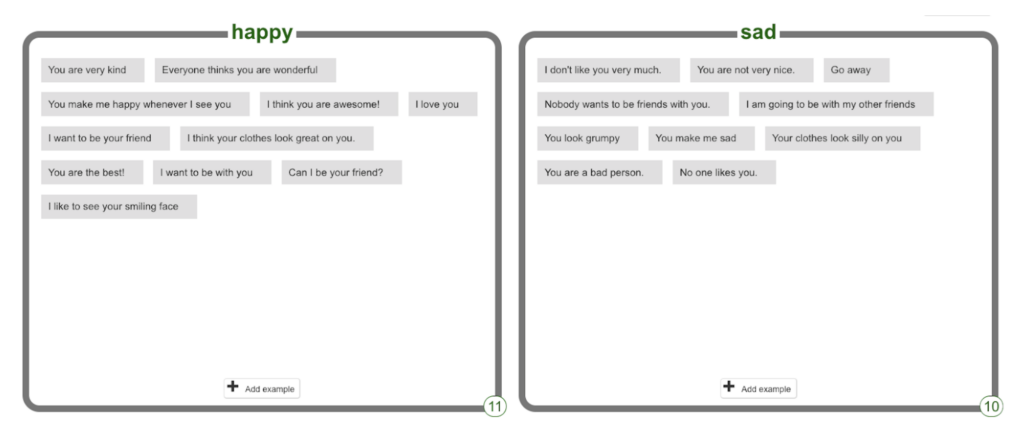
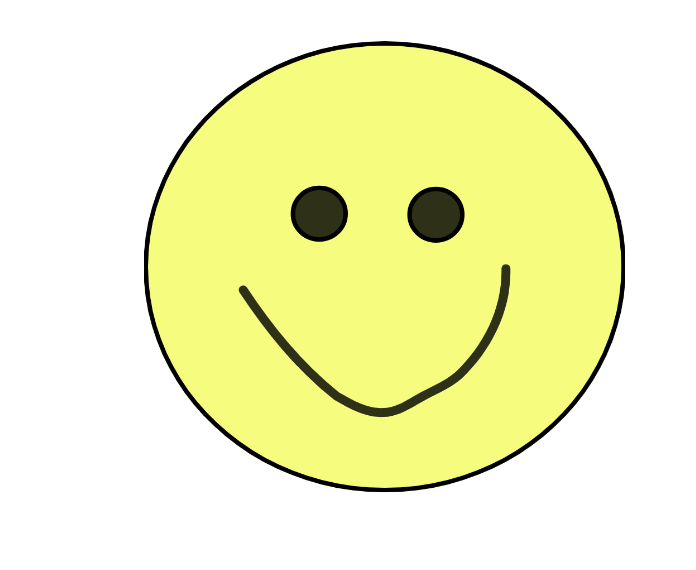
And then you will useScratch to make a project! Your project will use AI to make a happy or sad face appear, depending on what kind of sentence the user types.
ACTIVITY: HAPPY OR SAD
Follow the 3 video tutorials below to train your model and use it in a Scratch project.
In this first video, you’ll visit the Machine Learning for Kids website and make a non-AI Scratch project to start.
In this second video, you’ll make your dataset, then train and test it.
This is called supervised learning, because you are carefully watching how your model learns and fixing any issues.
In this third video, you’ll use your model in your Scratch project so the sprite can react using AI.
CONGRATULATIONS!
You’ve trained an AI model! You can always improve your model by adding more examples. Make sure you test your model if you do!
We're updating this site to reflect our new direction. Technovation's refreshed brand and broadened mission are live at technovation.org. Your curriculum and competition resources stay right here.
See what's new
Training an AI Model
NOTE: You will use the MachineLearningForKids website.
You will have two options to use the website:
Get your teacher or mentor to sign up and they can create an account for you.
You can save your project, but the Scratch project won’t be saved. If you want to keep the Scratch project, save it to your computer.
Try without an account by clicking Get Started, then clicking Try it Now.
If you Try it Now without an account, you can do the exercise, but cannot save it.
Login
Accessing this course requires a login. Please enter your credentials below!