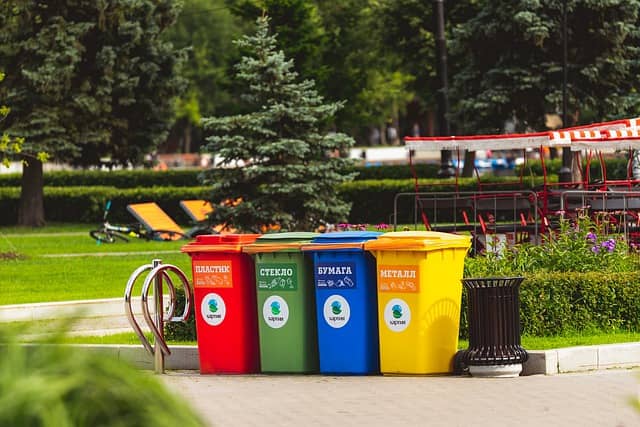
Because your app or Scratch project could hurt people by accident, you need to think carefully about what effect it will have on different people
Could an invention that helps direct traffic signals cause harm to anybody?
What about a mobile app where people share their pictures with others?
WHY MIGHT THAT BE GOOD OR BAD?
Let’s say there’s a garbage collector robot that automatically picks up and sorts items into recycling.
Could that robot cause any problems?
What about a mobile app that lets a patient communicate directly with their doctor?
Could there be any issues with an app like that?
WHY ALL THESE QUESTIONS?
By answering these questions, you were thinking about ethics!
Ethics is thinking about right and wrong.
You want to make sure that your project helps people and society instead of causing harm, even if the harm is by accident.Â
The video below talks about how you can make technology that does good and does no harm.
BATYA'S 5 (6) BIG WORDS
Stakeholders
Who is affected by your project?
Direct stakeholders
Others who might be affected by your project.
Widespread use
What does it mean if LOTS of people use your product?
Materiality
Stuff! (used to make a cellphone) or used to build your project.
Progress (not perfection)
Although it’s hard, do your best to make sure your project will do good and no harm.
THINK AS YOU BUILD
You will write the algorithms to make your mobile app run, or to make your AI model learn.
You need to make sure you think about your stakeholders along the way!
VALUE SCENARIOS
If your app includes AI, this video should make you think a little more about your dataset and preventing bias.
"If it’s your algorithm, it’s your responsibility. This is the only way that we can sort of sustain a world where we know who is responsible for what."
Stop and Discuss
Who are your stakeholders?
Direct stakeholders? Your users?
Indirect stakeholders? Who is affected your project?
We're updating this site to reflect our new direction. Technovation's refreshed brand and broadened mission are live at technovation.org. Your curriculum and competition resources stay right here.
See what's new
Positive Impact
NOTE: You will use the MachineLearningForKids website.
You will have two options to use the website:
Get your teacher or mentor to sign up and they can create an account for you.
You can save your project, but the Scratch project won’t be saved. If you want to keep the Scratch project, save it to your computer.
Try without an account by clicking Get Started, then clicking Try it Now.
If you Try it Now without an account, you can do the exercise, but cannot save it.
Login
Accessing this course requires a login. Please enter your credentials below!