Skip to content
With the tutorials below, you will have the chance to see how everything you’ve learned can be used in real projects. Even if you’ve seen something similar before, try approaching it with fresh eyes and you might find a new solution or insight.
Together, we’ll break down complex concepts into practical, approachable lessons and are perfect for beginners and curious minds ready to build with AI!
You can find tutorials based on your platform and learning concepts by following the prompts below. They include the particular SDG the tutorial addresses, but you can still learn the concepts and apply it whatever SDG you are addressing with your project.
TUTORIALS BY PLATFORM/LANGUAGE
RavenSight by alumna Ashlyn Gao
Ravensight is a mobile agriculture technology application that aids urban farmers to detect environment abnormality, track growth and predict harvest. It provides real-time monitoring using AI and computer vision, predictive insights, and custom alerts. It addresses SDG 2, Zero Hunger.
Growth Tracker
This tutorial shows you how you can use some of the libraries Ashlyn talked about in her tutorial to create powerful apps. Learn how to use the openCV library (open source computer vision) to identify plants in an image and measure their leaf length. It addresses SDG 2, Zero Hunger.
Flip the Switch
by Technovation alumna Jessica Schmilovich
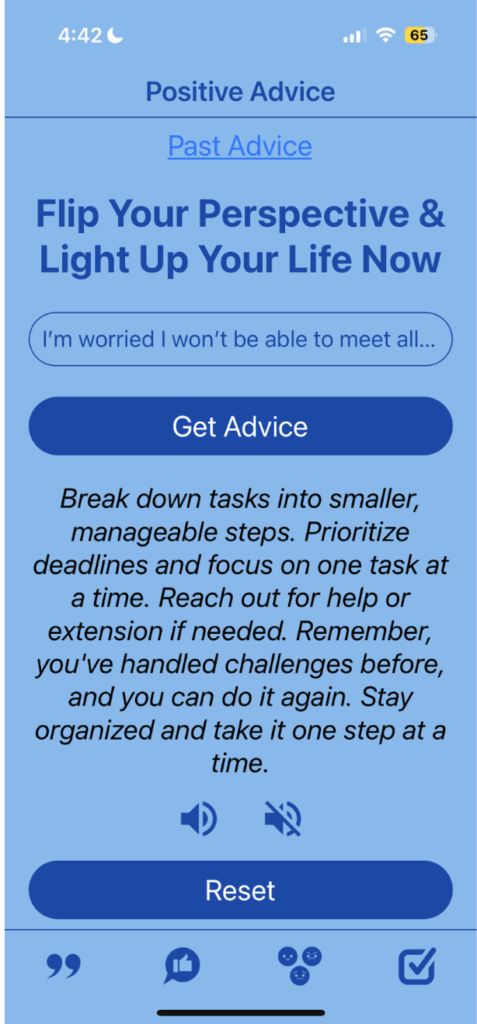
Flip the Switch is a cross-platform application that features motivational quotes, AI-powered advice to reframe negative thoughts, daily mood tracking, and AI-driven challenges to uplift users. It also delivers weekly mood trends and insights to support mental health.
Included in the tutorial:
- Build React Native screens using JavaScript
- Use axios to send user input to the OpenAI and Gemini APIs
- Handle API responses and state with React hooks
- Connect mood-based data to AI-powered challenges
It addresses SDG 3, Good Health and Well-being.
Voice Emotion App Inspired by Oripal by Team SpesDojo
This tutorial shows you how you can use a pre-trained machine learning model that detects emotion in voices to provide support and motivation for elderly people participating in a group origami project.
Personal Tutor
This tutorial shows you how you can incorporate generative AI into your app. This personal tutor app uses the Chatbot component of App Inventor to tailor learning for each user.
InWORKsive inspired by Team BusinessGirls InWORKsive
inWORKsive is an app that uses a machine learning model to match employees with disabilities to employers. The model matches based on accommodations the employee requires and the employer offers.
This tutorial takes the inWORKsive team app that was originally coded in App Inventor and moves it to a web app using Streamlit. The model is built using a Jupyter Notebook and show you how to make a synthetic dataset when not enough data is available to you.
It addresses SDG 8, Decent Work and Economic Groth.
JusticePath by alumna Anika Jha
JusticePath is an example app that serves to make legal rights accessible to everyone, anytime.
It includes 3 main features:
- Location-based sample resources: Showing country-based resources automatically by taking in the user’s location
- Searchable rights database: that works by reading from a JSON file
- Chatbot integration: Using Hugging Face for Q&A capability
It addresses SDG 16, Peace, Justice, and Strong Institutions.
Lake Water Quality
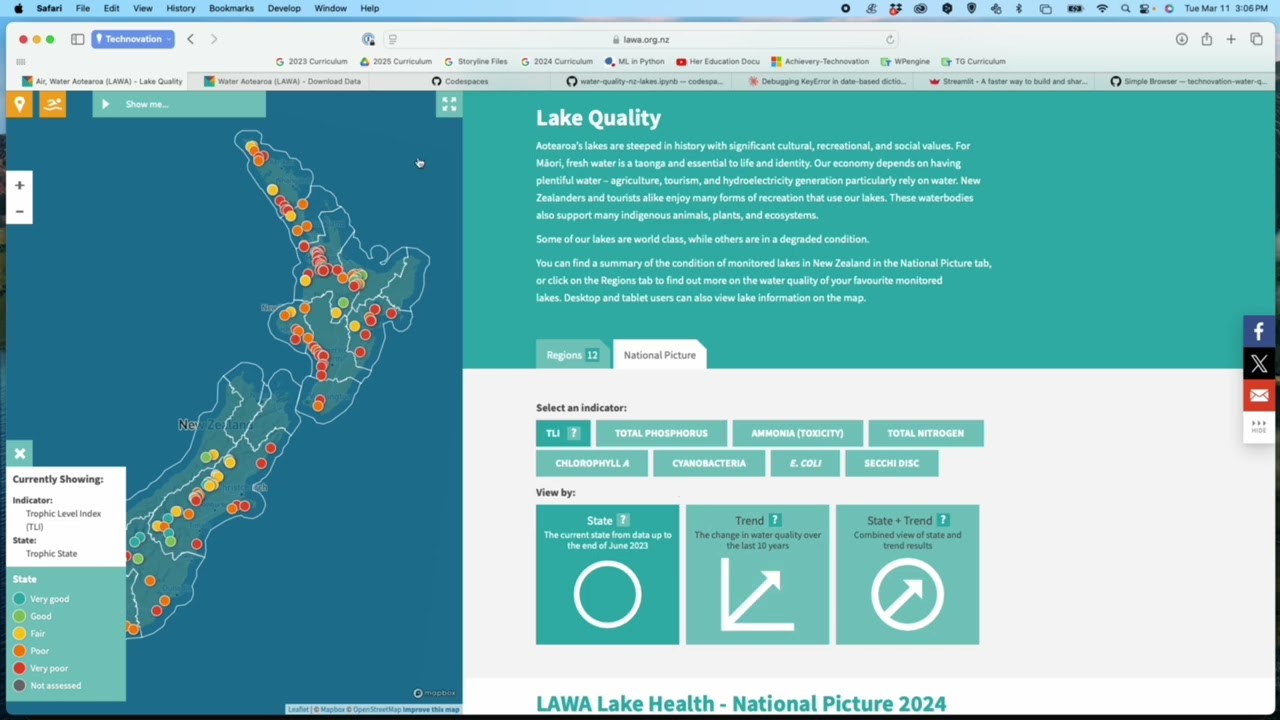
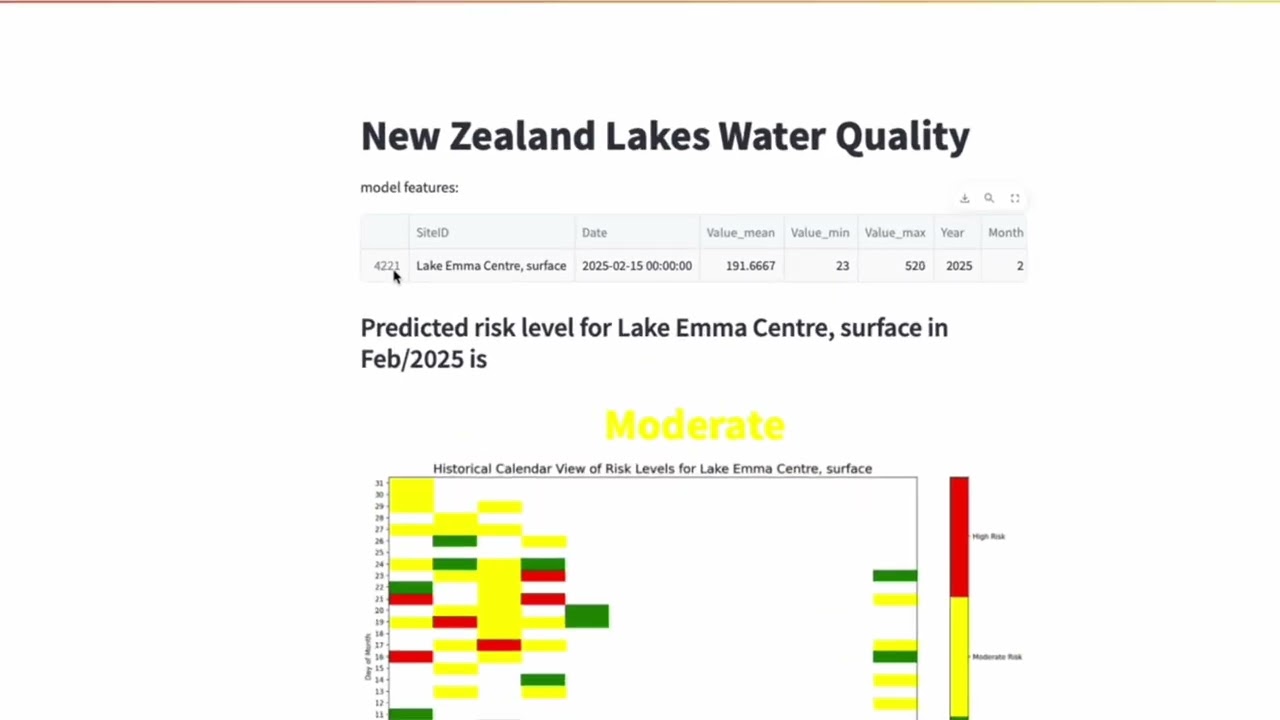
This tutorial shows you how you can build a machine learning model with numerical water quality data and then use it to predict the water quality in a lake for a particular month.
It addresses SDG 6, Clean Water.
BrandAware
This tutorial shows you how you can use a combination of APIs that use AI to detect text in an image and read the text. A user can check a brand tag before they buy to see how sustainable that brand is. It addresses SDG 12, Responsible Consumption.
Mangrove Compare
This tutorial shows you how you can track and visualize mangrove growth by coding a web app using Google Earth Code Engine. The app analyzes and creates composites of NASA satellite images to then detect and visualize mangrove growth. You can compare growth between 2 different years and see how areas have changed over time.
It addresses SDG 14, Life Below Water. Mangroves are critical coastal ecosystems that provide essential services for both water quality and planetary health. Mangroves act as natural water filters, critical to maintaining marine biodiversity. Mangroves store 3-5 times more carbon per hectare than terrestrial forests. Their dense root systems stabilize coastlines and provide natural protection against storm surges, tsunamis, and erosion.
WEHeroes +
This tutorial takes the WEHeroes app created by alumnae Giovanna and Arlen a step further. Learn you how you can use the IUCN API to get a list of endangered species, then use the App Inventor ChatBot component to make the information from the IUCN website more age-appropriate for younger users.
Invasive Plants Detector
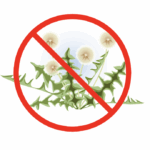
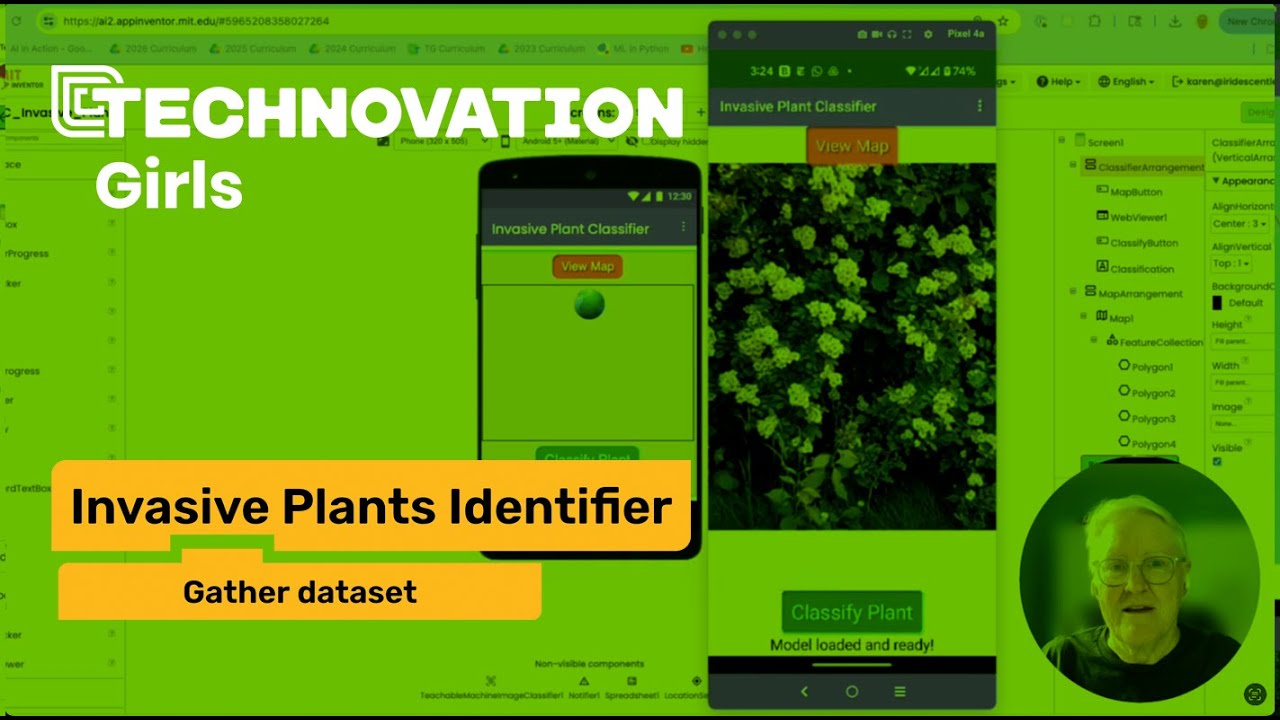
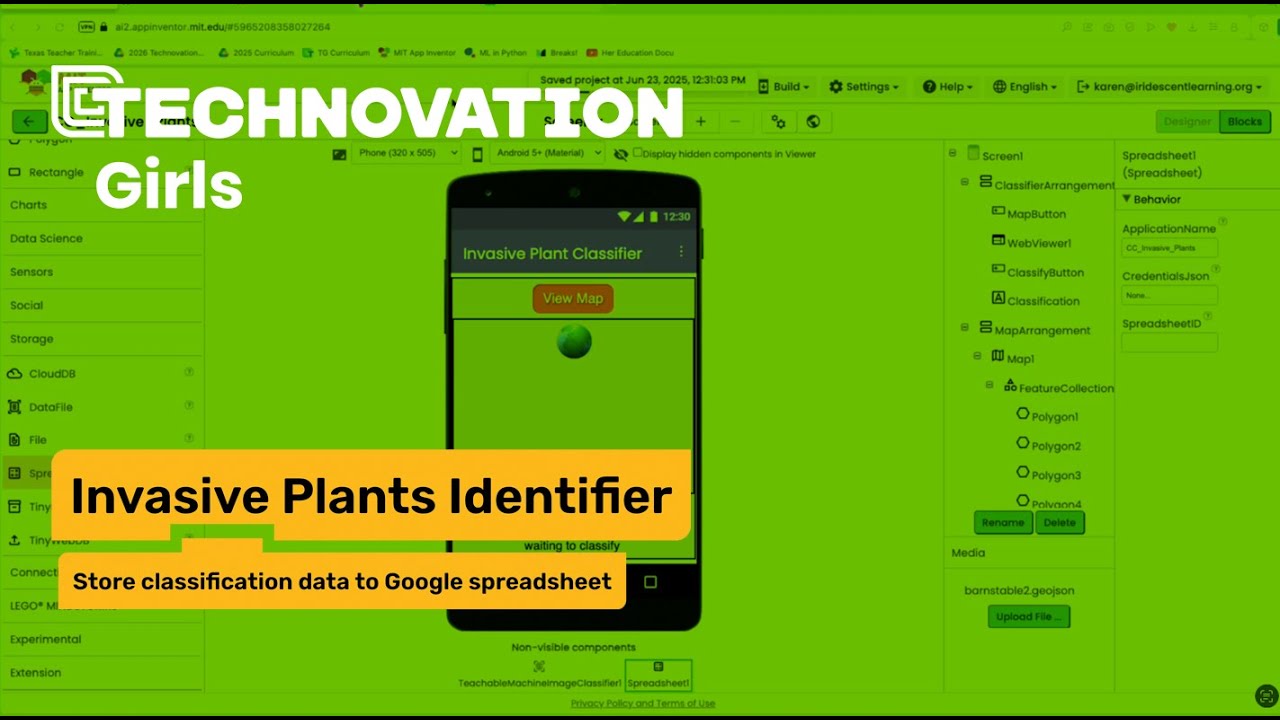
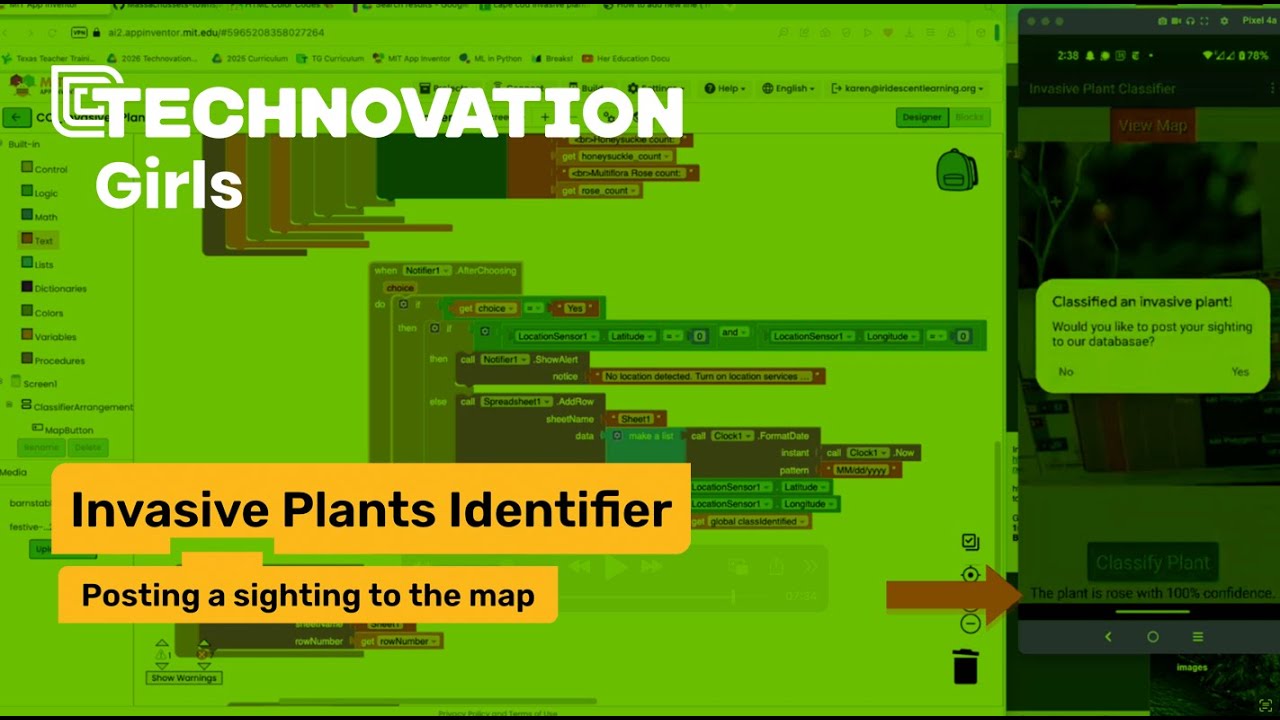
This 8 part tutorial shows you how to
- gather images for a dataset
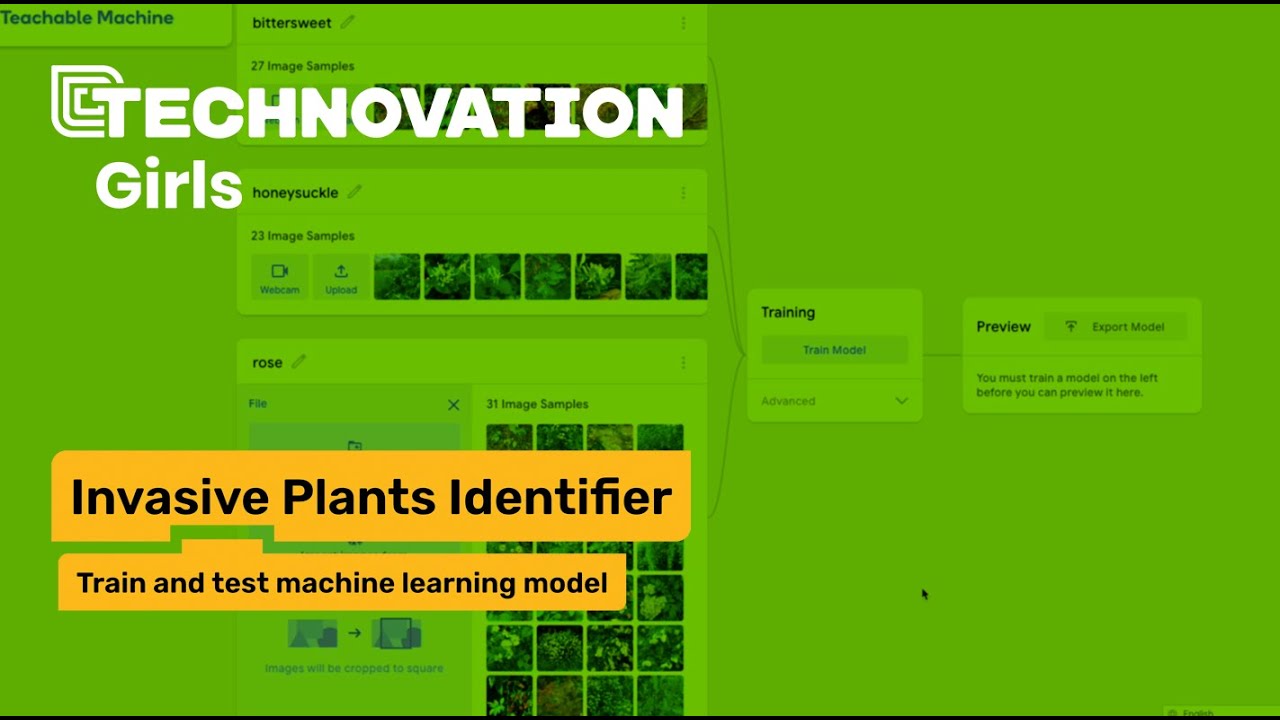
- train a machine learning model in Teachable Machine to identify invasive plants
- add the model to an App Inventor project
- store classified plants in a Google spreadsheet
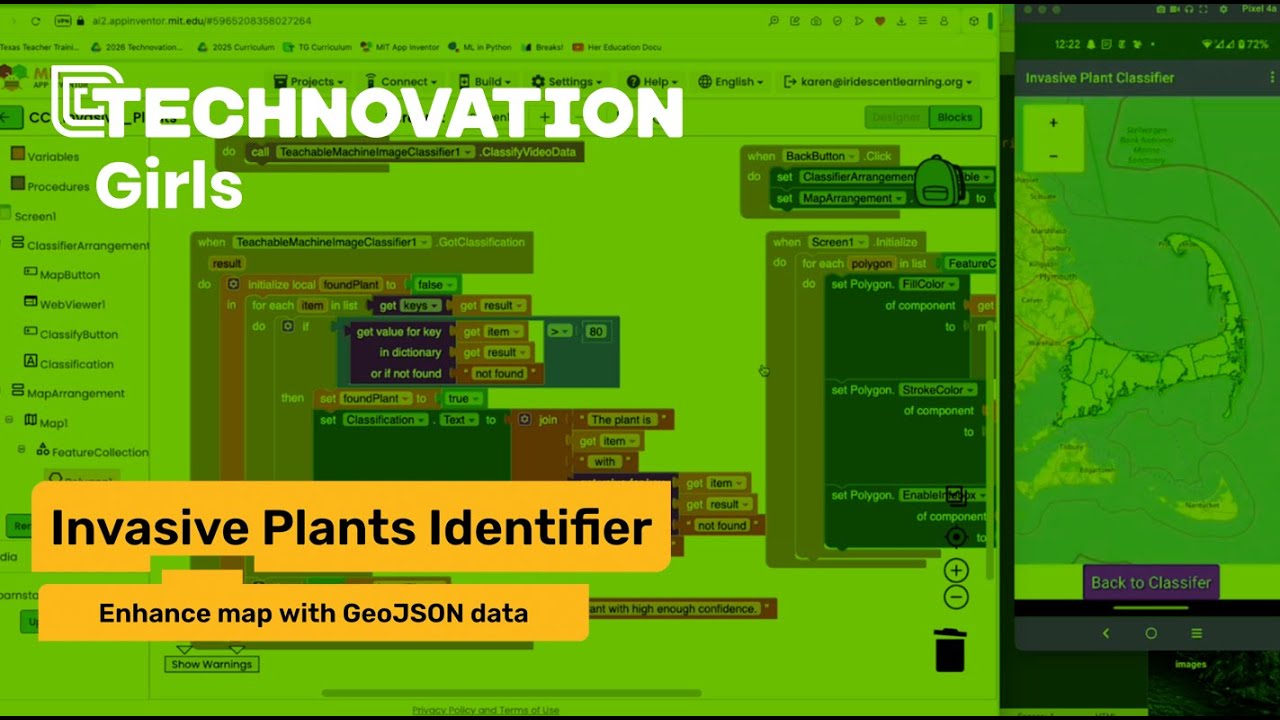
- Add the data to a map using markers and highlighting invasive hotspots
It addresses SDG 15, Life on Land.
ADDITIONAL RESOURCES
If you’re curious about how AI works or how people are using it in the real world, Google’s Learn AI Skills is a great place to explore.
You’ll find more lessons that explain what AI is and how you can use it creatively and responsibly. There’s also more beginner friendly videos that use real life examples and activities to make learning easier.
We're updating this site to reflect our new direction. Technovation's refreshed brand and broadened mission are live at technovation.org. Your curriculum and competition resources stay right here.
See what's new