Skip to content

Technovation Girls

  • Get Involved
  • Competition
  • Curriculum
  • About
  • Sign Up

Lesson Category: App Inventor

girl at computer with woman looking over shoulder

Debugging your Code

Open to access this content

girls at table with multiple laptops

Exploring Different Types of Mobile Apps

Open to access this content

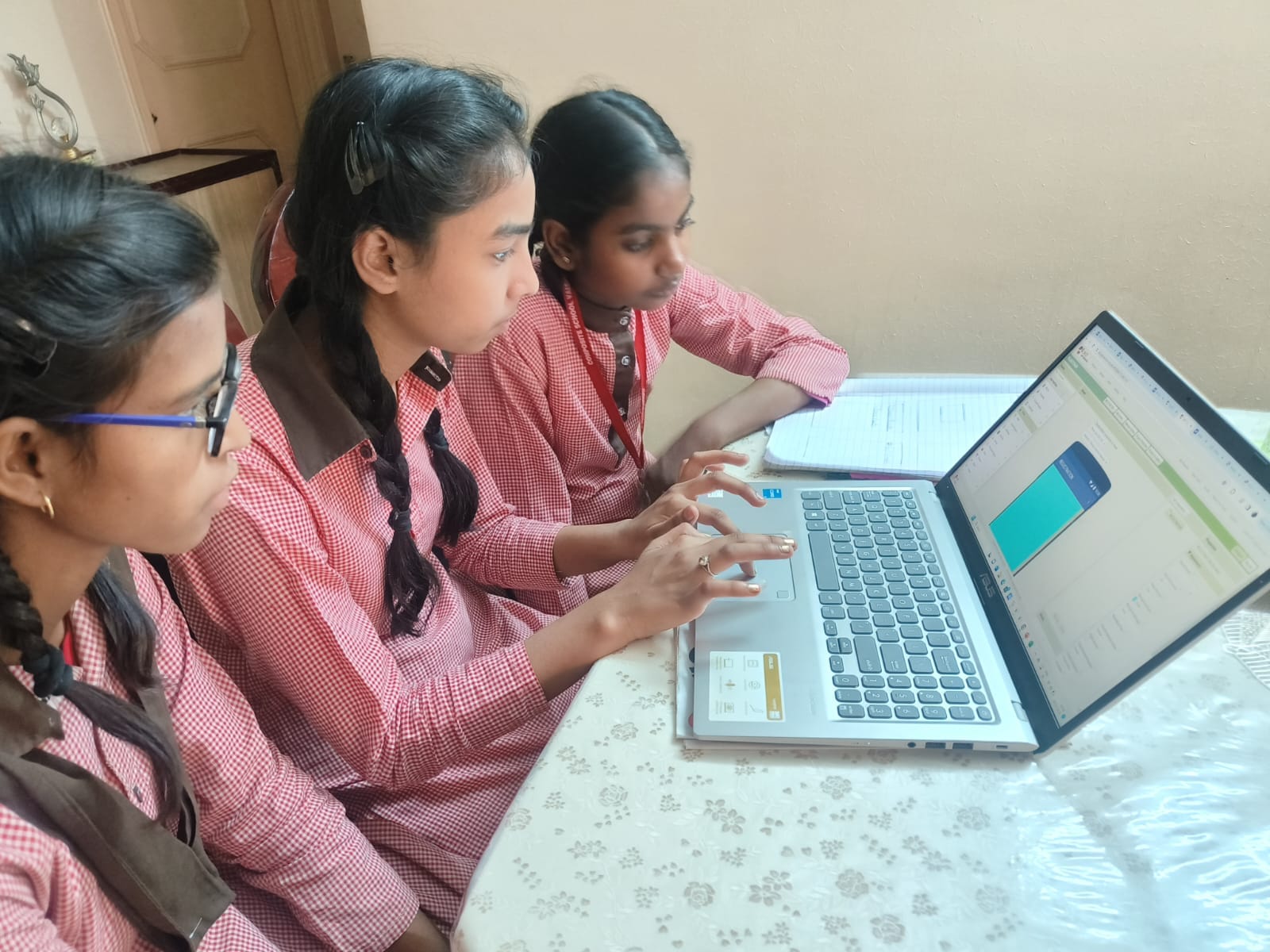
three girls working at a laptop

Coding Conditionals in App Inventor

Open to access this content

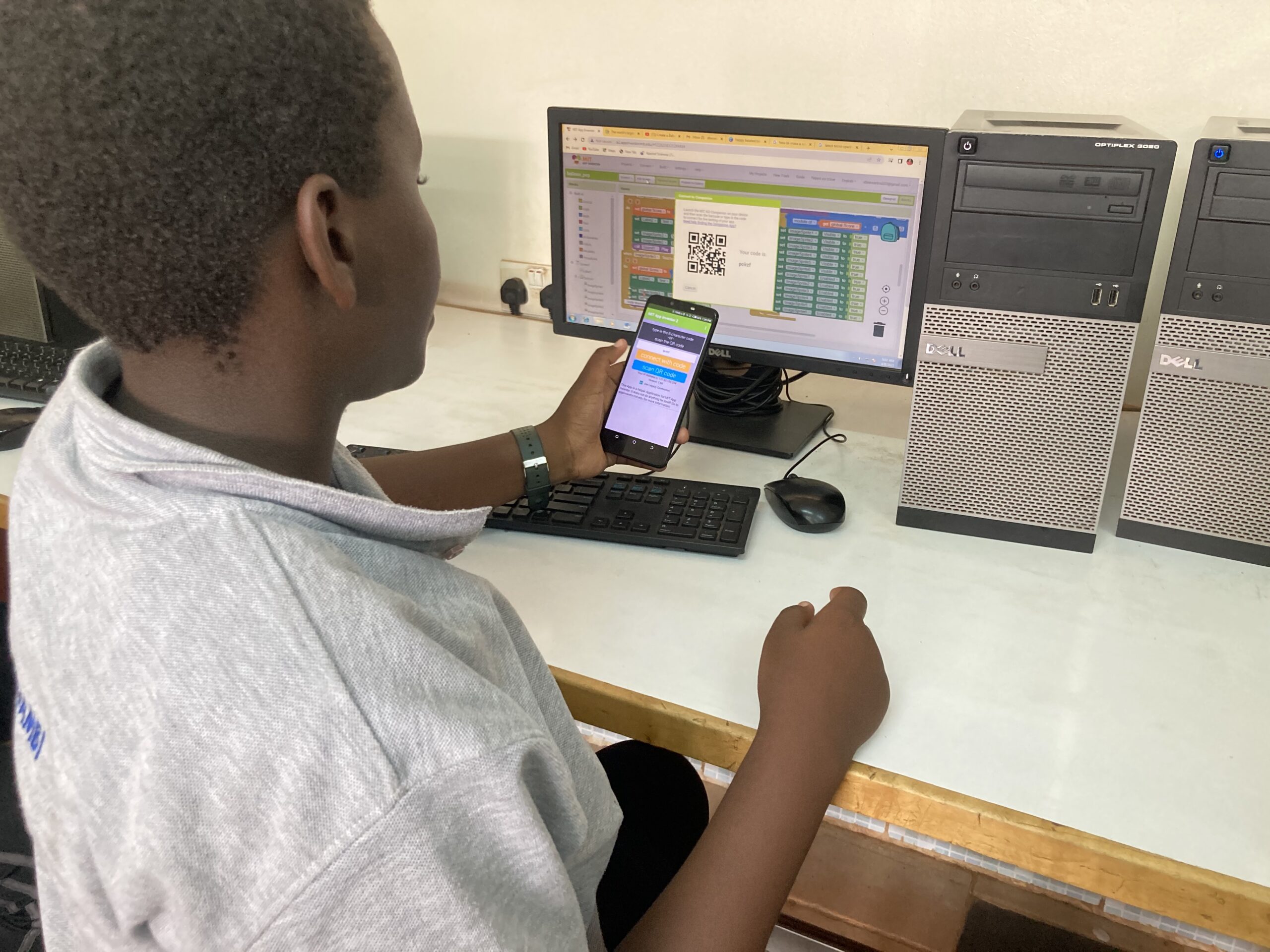
girl using phone to test app

Designing and Coding with App Inventor

Open to access this content

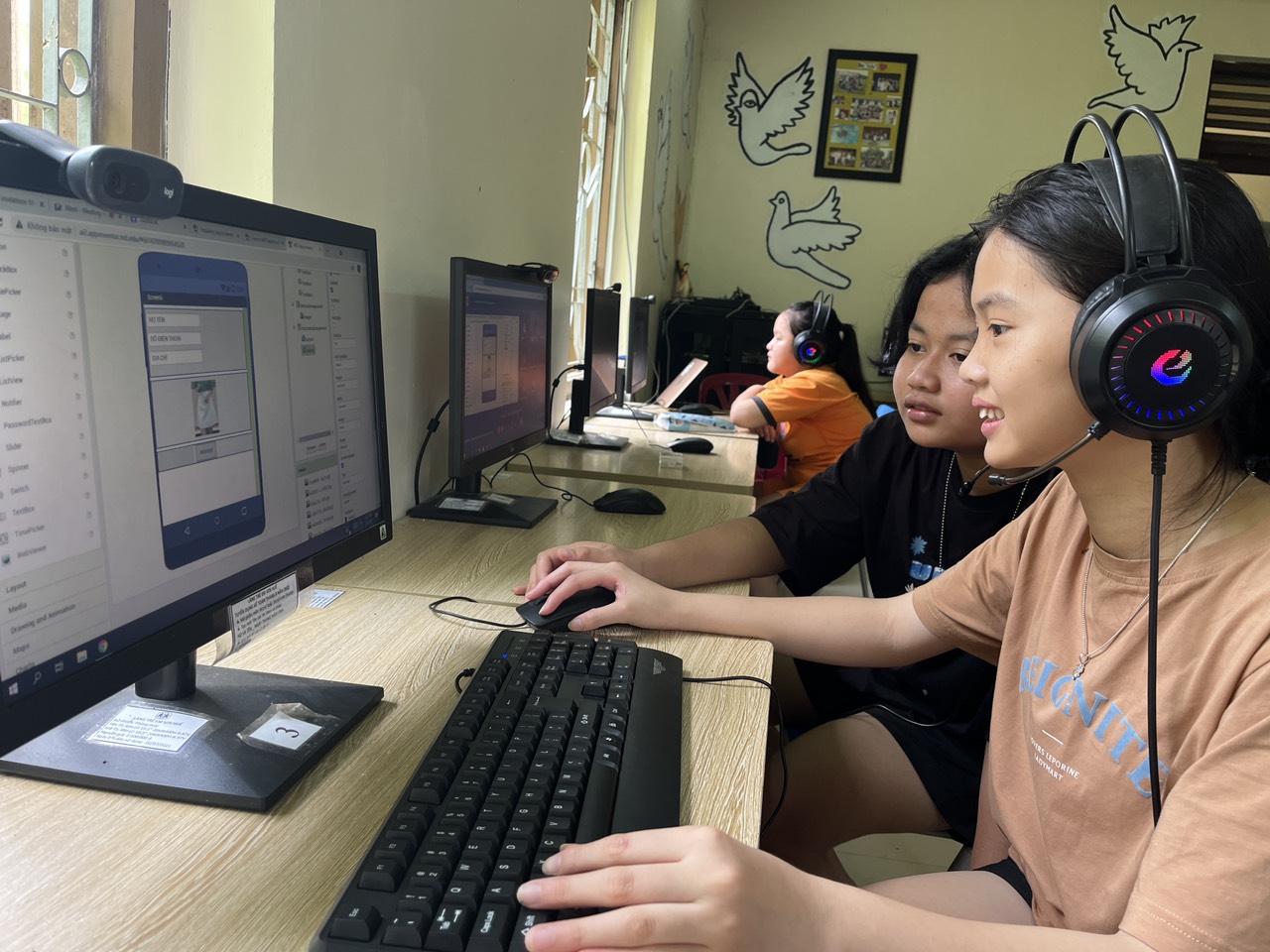
two girls working on app inventor

Make a Mobile App

Open to access this content

girls working at laptop on app inventor

Coding APIs in App Inventor

Open to access this content

girls getting help at computer

Storing Data in App Inventor

Open to access this content

three girls working at a laptop

Variables and Lists in App Inventor

Open to access this content

girls smiling at computer

Debugging your code in App Inventor

Open to access this content

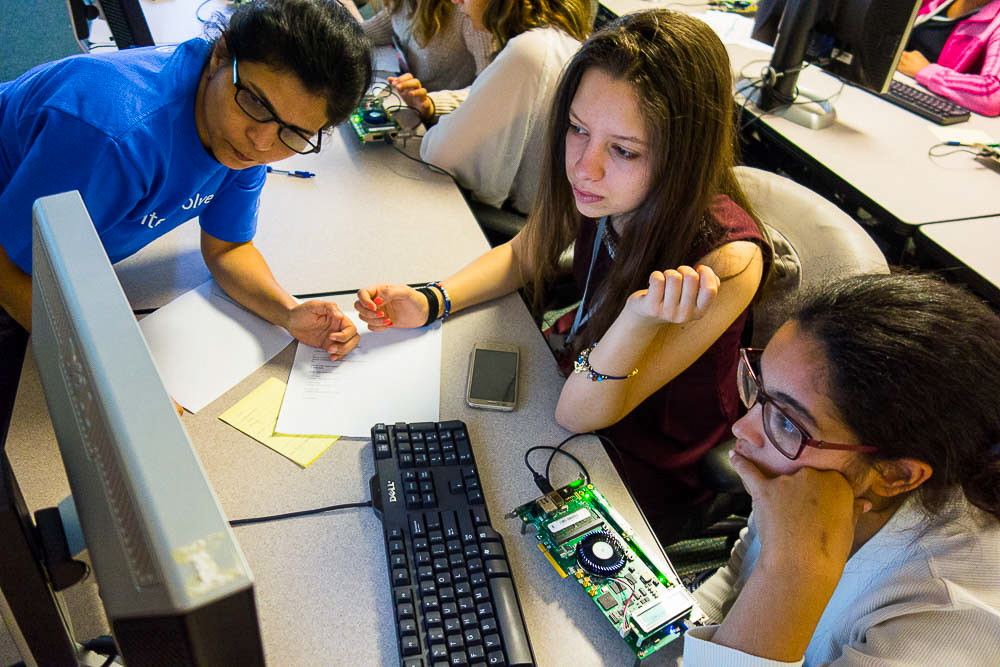
girls using hardware device at computer

Different Components in App Inventor

Open to access this content

Posts pagination

1 2 Next
  • Instagram
  • Facebook
  • Twitter
  • You Tube
  • LinkedIn
  • Report a translation error
  • Terms of Use
  • Donate
  • Safety Policies
  • Contact
  • Privacy Policy
  • FAQ
© 2026 Technovation. All Rights Reserved. Technovation is a 501c3 nonprofit organization in the United States.
Different Components in App Inventor
NOTE: You will use the MachineLearningForKids website. You will have two options to use the website:
  1. Get your teacher or mentor to sign up and they can create an account for you.
    • You can save your project, but the Scratch project won’t be saved. If you want to keep the Scratch project, save it to your computer.
  2. Try without an account  by clicking Get Started, then clicking Try it Now.
    • If you Try it Now without an account, you can do the exercise, but cannot save it.