Skip to content
One of the 5 Pillars of the United Nations SDG’s is the Planet. Any SDG’s related to climate fall under this pillar – SDG’s 6, 12, 13, 14, and 15.
Many Technovation participants have a deep interest in solving climate issues. Many teams decide to work on apps to help solve climate issues, and some of our Technovation alumnae have teamed up to solve climate-related SDGs.
They want to share some of their technical expertise with you as you embark on your own app solutions.
Check out their solutions below!
Click on each app icon to learn more and follow the tutorial.
- Google Sheets
- Maps, Markers
- ML model using numerical public dataset
- water quality prediction
- data grid
- cloud data
- video and image selection
- detect text in an image
- API integration
- IUCN Redlist API integration
- IUCN Redlist API
- Chatbot integration
- remote sensing with satellite imagery
- mangrove detection
Google Earth Engine/ Javascript
- Data Viewer Grid
- Google Sheets
- Teachable Machine image classification
- Google Sheets
- Maps, Markers
SDG 6: CLEAN WATER
dropin' by Technovation alumna Laura Mendes
dropin’ is an app that displays protected water areas on a map. Laura’s written Thunkable tutorial shows you how to use Google Sheets and Map/Marker components to display location-based information on a map in your app.
This is a great way to crowdsource shared location-based information in an app!
SDG 6 AI EXAMPLE
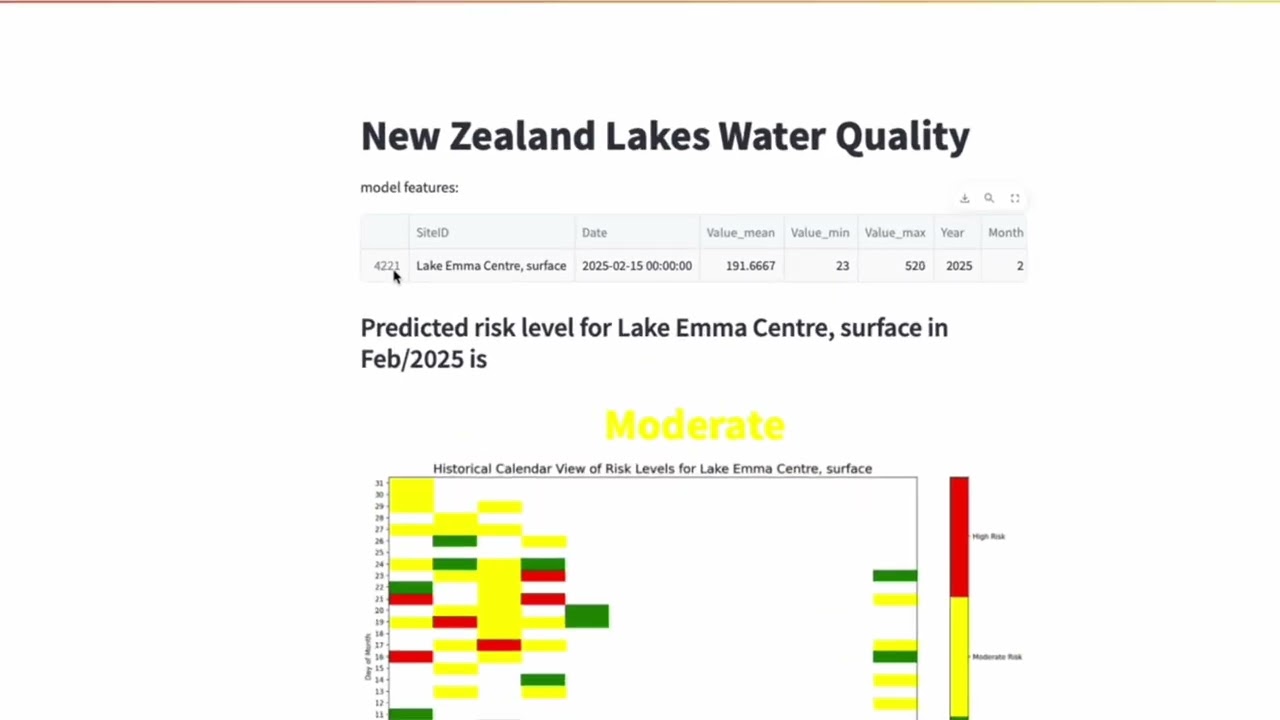
This tutorial shows you how you can build a machine learning model with numerical water quality data and then use it to predict the water quality in a lake for a particular month.
SDG 12: RESPONSIBLE CONSUMPTION
Option A by Technovation alumnae
Ana Balteanu and Zhibek Askar
Option A uses cloud data and incorporates images and videos in a data grid using Thunkable. Ana and Zhibek displayed vintage fashion videos in their responsible consumption app. In the video, they show you how to allow app users to select and view videos from a list.
SDG 12 AI EXAMPLE
This tutorial shows you how you can use a combination of APIs that use AI to detect text. A user can check a brand tag before they buy to see how sustainable that brand is.
SDG 13: CLIMATE ACTION
WE Heroes by Technovation alumnae
Giovanna Romero and Arlen Amezcua Ortiz
WE Heroes incorporates external website data using an Application Programming Interface (API) in MIT App Inventor. Arlen and Giovanna used the IUCN Redlist API to display endangered species information in their app.
SDG 13 AI EXAMPLE
Would you like to add some AI to your WEHeroes app? This tutorial shows you how you can use the IUCN API to get a list of endangered species, then use the App Inventor ChatBot component to make the information from the IUCN website more age-appropriate for younger users.
SDG 14: LIFE BELOW WATER
Microplastic Mayhem by Team CAC
Microplastic Mayhem includes a leaderboard so users can gain points and compete against friends by collecting nurdles (small microplastic particles found near waterways).
SDG 14 AI EXAMPLE
Mangroves are critical coastal ecosystems that provide essential services for both water quality and planetary health. Mangroves act as natural water filters, critical to maintaining marine biodiversity. Mangroves store 3-5 times more carbon per hectare than terrestrial forests. Their dense root systems stabilize coastlines and provide natural protection against storm surges, tsunamis, and erosion.
This tutorial shows you how you can track and visualize mangrove growth by coding a web app using Google Earth Code Engine. The app analyzes and creates composites of NASA satellite images to then detect and visualize mangrove growth. You can compare growth between 2 different years and see how areas have changed over time.
SDG 15: LIFE ON LAND
Neki Nature by Avril Montserrat Ruiz Ibarra
Neki Nature by Avril provides information to users about endangered species in Mexico. Learn how to use a Data Viewer Grid and Google Sheets in your Thunkable app to display information but also allows for more versatility to add more data to the app.
SDG 15 AI EXAMPLE
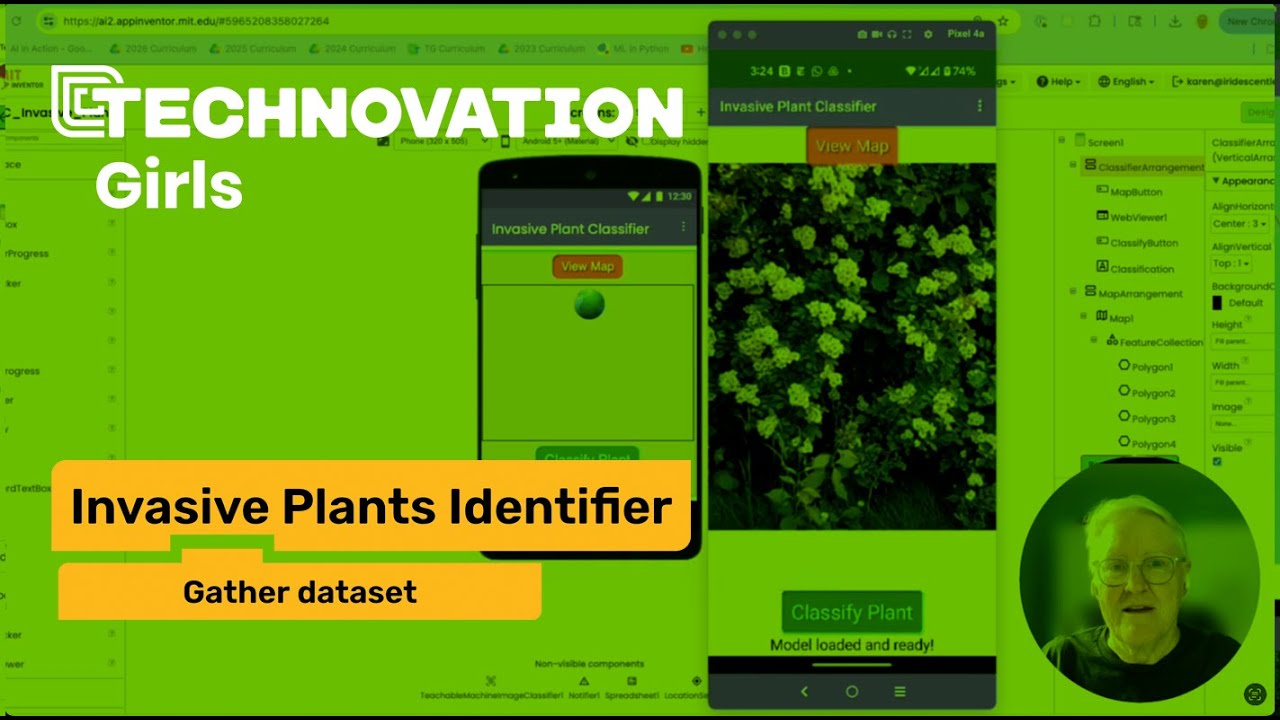
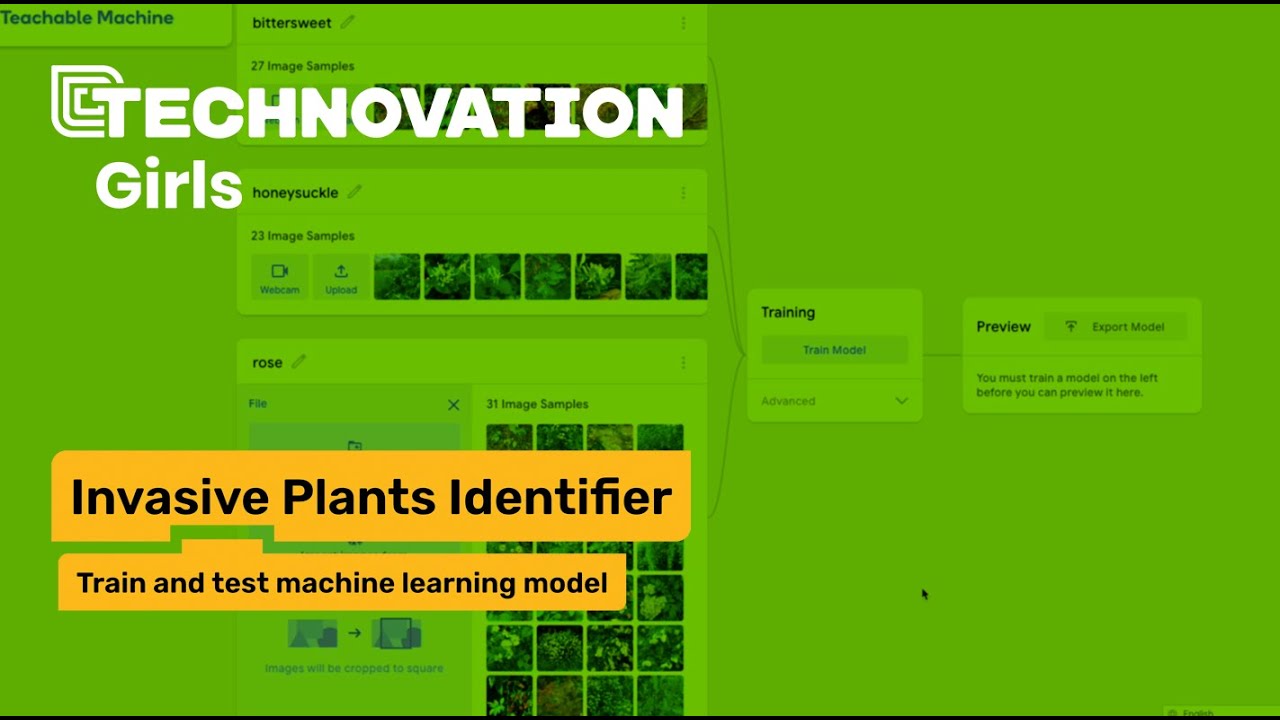
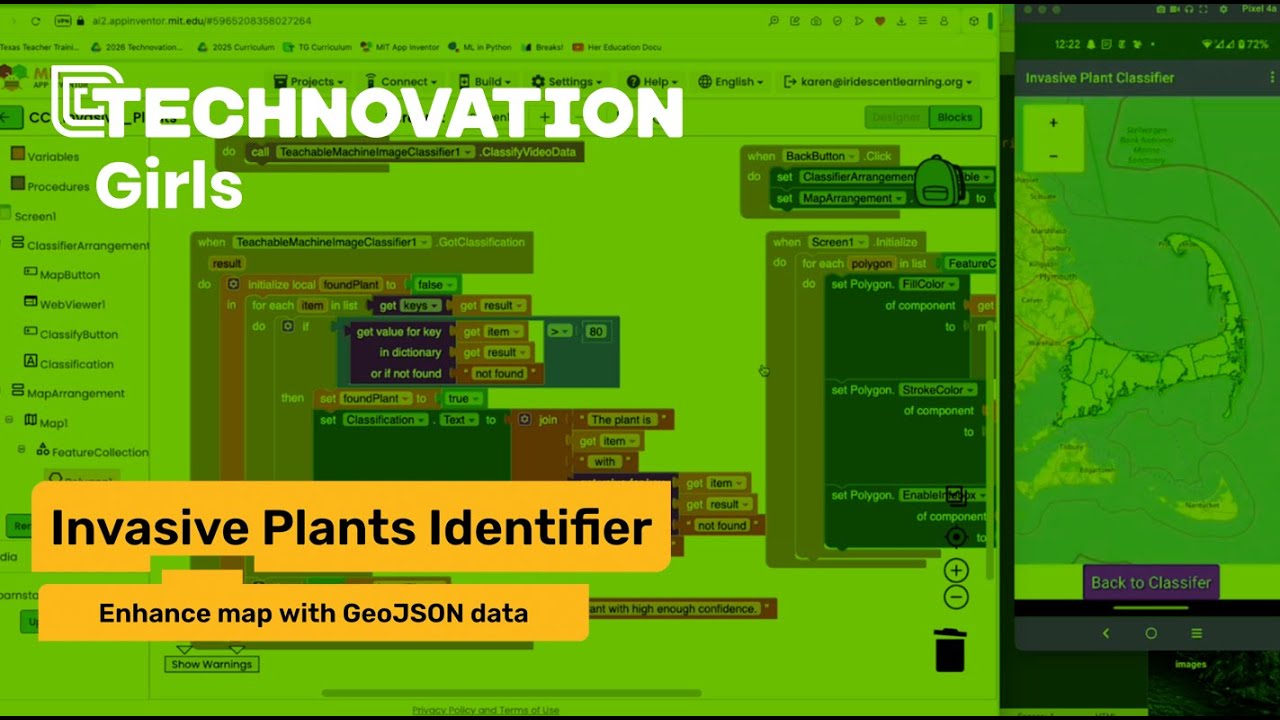
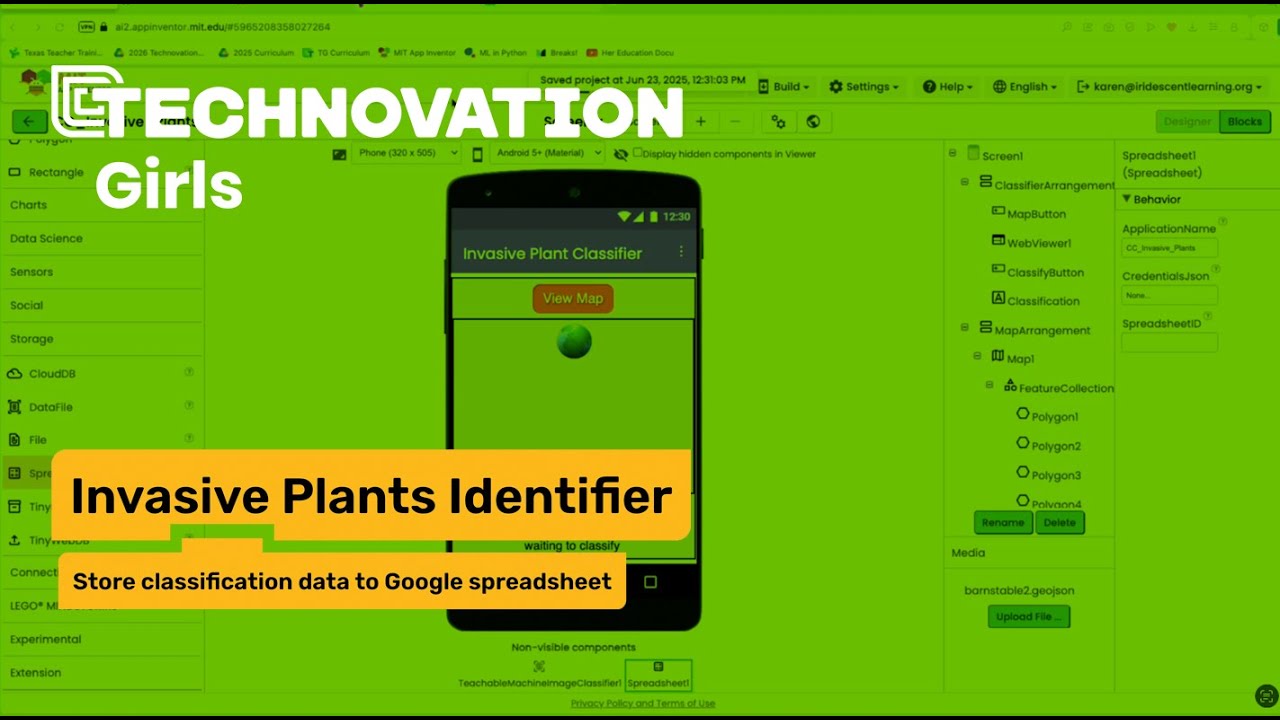
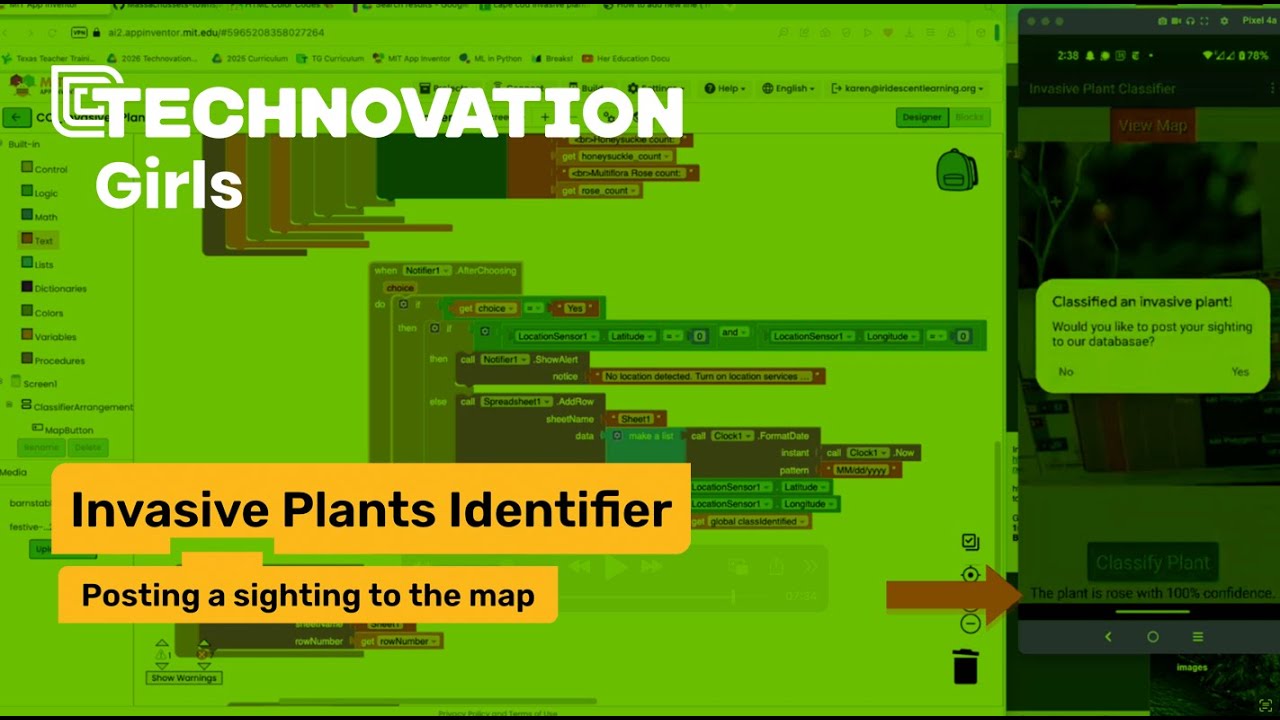
This 8 part tutorial shows you how to
- gather images for a dataset
- train a machine learning model in Teachable Machine to identify invasive plants
- add the model to an App Inventor project
- store classified plants in a Google spreadsheet
- Add the data to a map using markers and highlighting invasive hotspots
We're updating this site to reflect our new direction. Technovation's refreshed brand and broadened mission are live at technovation.org. Your curriculum and competition resources stay right here.
See what's new